January 23, 2026
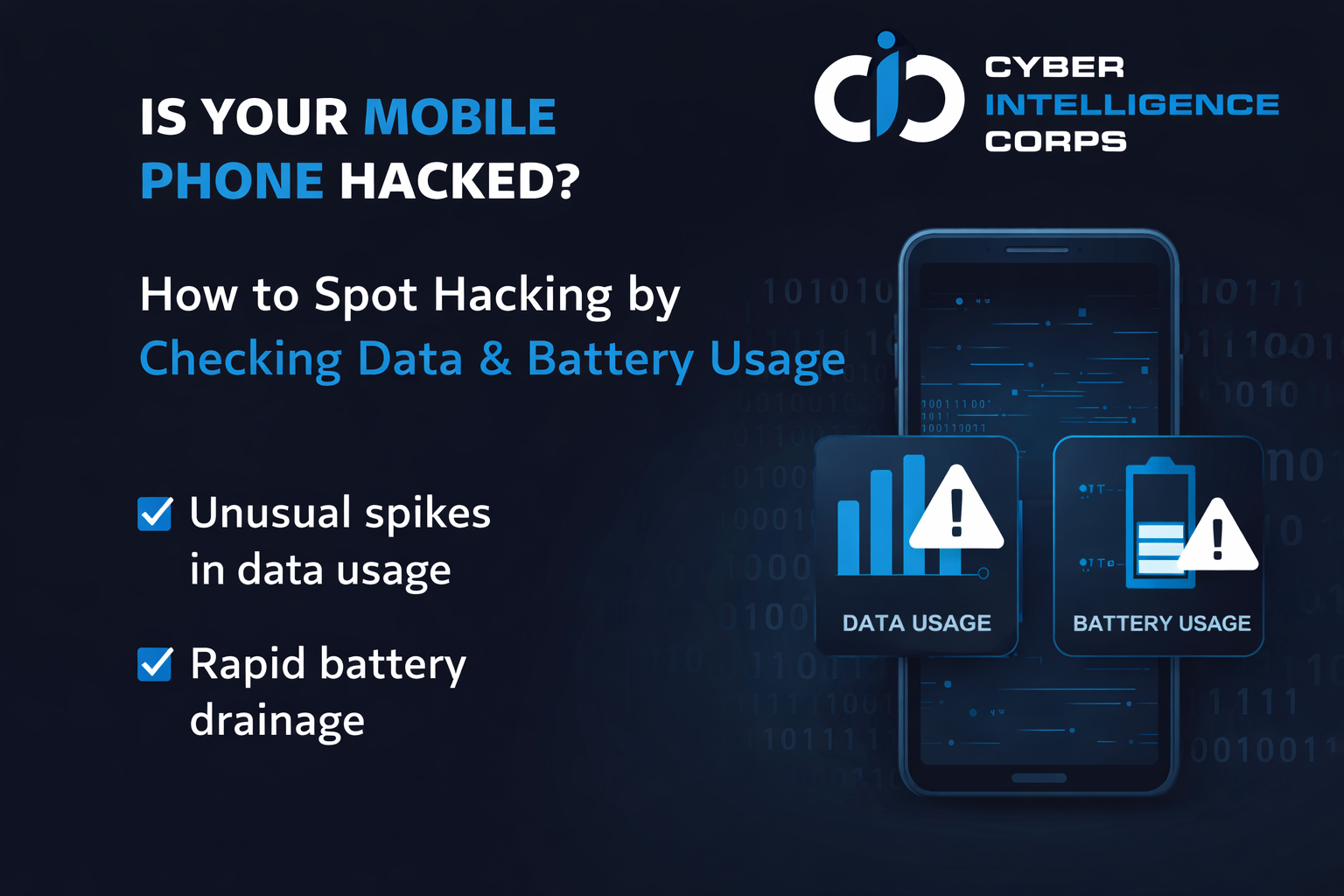
How to Identify If Your Mobile Phone Is Hacked by Monitoring Data Usage and Battery Consumption

Athul VJ
Author
In today’s digital world, smartphones store our most sensitive personal and professional information. Hackers often target mobile devices to steal data, spy on activities, or gain unauthorized access. While many attacks happen silently, your phone itself can give warning signs — especially through unusual data usage and battery drain.
Here’s how you can identify if your phone may be compromised:
🔍 1. Unusual Data Usage
If your mobile data is draining faster than usual without heavy usage, it could indicate malicious apps sending data in the background.
Check for:
Apps consuming high data without reason
Data usage even when the phone is idle
Unknown apps appearing in data usage list
👉 Go to: Settings → Data Usage / Network → App Data Usage
🔋 2. Rapid Battery Drain
Malware often runs hidden processes that continuously consume power.
Warning signs:
Battery drains even when phone is unused
Phone heats up unexpectedly
Unknown apps consuming high battery
👉 Go to: Settings → Battery → Battery Usage
📱 3. Background Activity & Permissions
Some spyware apps operate quietly by abusing permissions.
Check:
Apps with access to camera, mic, location unnecessarily
Apps you don’t remember installing
Frequent background activity
👉 Go to: Settings → Privacy → App Permissions
🚨 4. Other Red Flags
Be alert if you notice:
Phone slowing down suddenly
Pop-ups or ads appearing abnormally
Random app installations
Calls/messages sent without your action
🛡️ How to Protect Your Phone
✔ Uninstall unknown or suspicious apps
✔ Update OS and apps regularly
✔ Use only Play Store / App Store apps
✔ Avoid clicking unknown links
✔ Install trusted mobile security software
✔ Reset phone if compromise is suspected
Here’s how you can identify if your phone may be compromised:
🔍 1. Unusual Data Usage
If your mobile data is draining faster than usual without heavy usage, it could indicate malicious apps sending data in the background.
Check for:
Apps consuming high data without reason
Data usage even when the phone is idle
Unknown apps appearing in data usage list
👉 Go to: Settings → Data Usage / Network → App Data Usage
🔋 2. Rapid Battery Drain
Malware often runs hidden processes that continuously consume power.
Warning signs:
Battery drains even when phone is unused
Phone heats up unexpectedly
Unknown apps consuming high battery
👉 Go to: Settings → Battery → Battery Usage
📱 3. Background Activity & Permissions
Some spyware apps operate quietly by abusing permissions.
Check:
Apps with access to camera, mic, location unnecessarily
Apps you don’t remember installing
Frequent background activity
👉 Go to: Settings → Privacy → App Permissions
🚨 4. Other Red Flags
Be alert if you notice:
Phone slowing down suddenly
Pop-ups or ads appearing abnormally
Random app installations
Calls/messages sent without your action
🛡️ How to Protect Your Phone
✔ Uninstall unknown or suspicious apps
✔ Update OS and apps regularly
✔ Use only Play Store / App Store apps
✔ Avoid clicking unknown links
✔ Install trusted mobile security software
✔ Reset phone if compromise is suspected