January 24, 2026
Understanding the Hidden Risks of Public Wi-Fi and How to Protect Your Personal Data

Roshan Ali R
Author
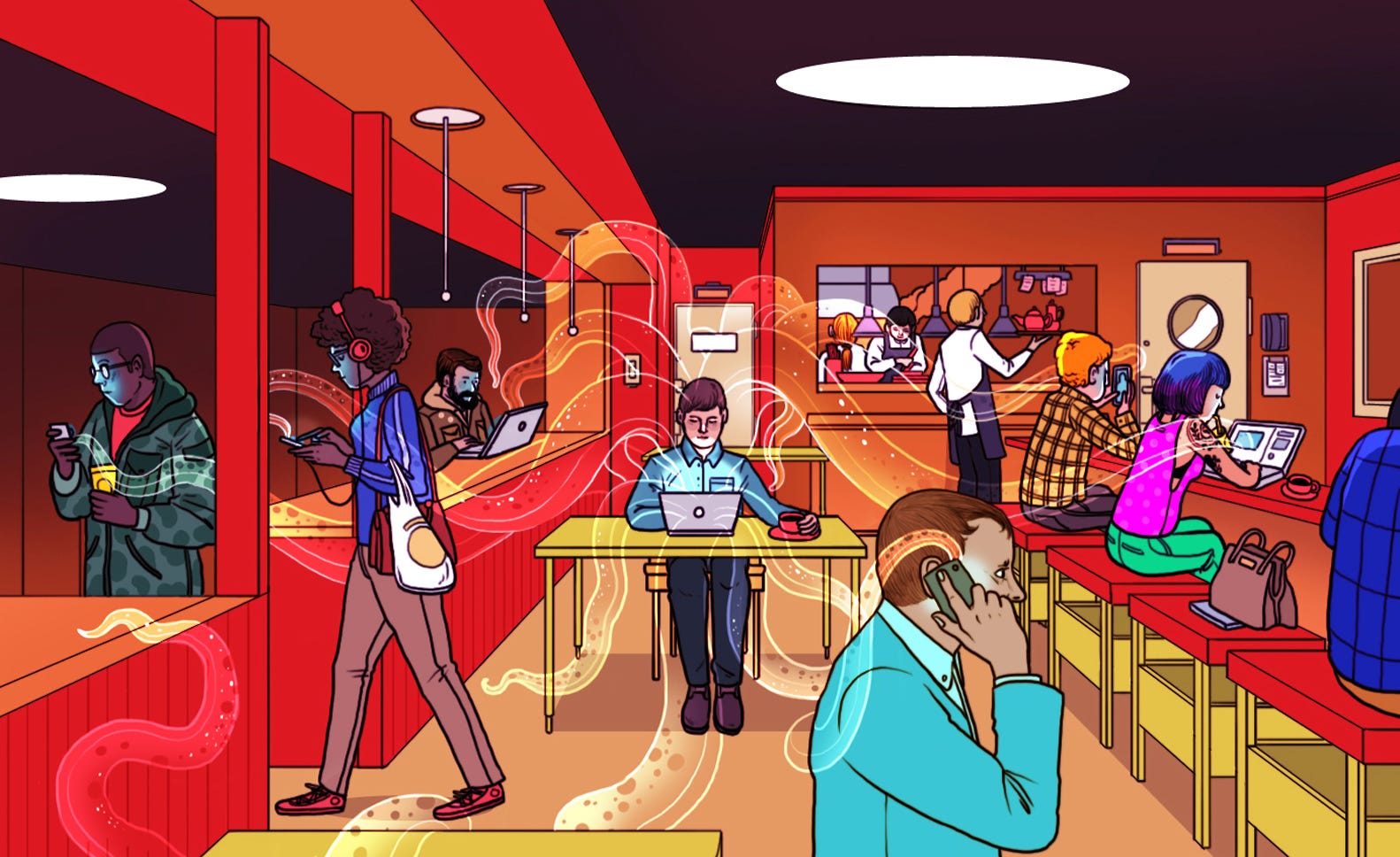
Free public Wi-Fi is available almost everywhere today—cafes, airports, hotels, malls, and railway stations. While it offers convenience, public Wi-Fi networks are one of the most common ways cybercriminals steal personal information.
Most users connect without thinking about security, unaware that their passwords, messages, and sensitive data can be intercepted within minutes.
Why Public Wi-Fi Is Dangerous
Public Wi-Fi networks often lack proper encryption. This allows attackers on the same network to monitor, capture, or manipulate your internet traffic.
Common risks include:
• Man-in-the-Middle (MITM) attacks
• Packet sniffing to capture login credentials
• Fake Wi-Fi hotspots created by attackers
• Session hijacking on logged-in accounts
How Hackers Steal Data on Public Wi-Fi
1. Fake Hotspots
Attackers create Wi-Fi names that look legitimate, such as “Free_Airport_WiFi”. Once connected, all your data passes through their device.
2. Packet Sniffing
Using simple tools, attackers can capture unencrypted data such as usernames, passwords, emails, and messages.
3. Malware Injection
Some networks redirect users to malicious websites that automatically download spyware or adware onto the device.
Warning Signs of an Unsafe Wi-Fi Network
You should be cautious if you notice:
• Unexpected login redirects
• Browser security or certificate warnings
• Frequent disconnections
• Slow internet immediately after connecting
How to Stay Safe on Public Wi-Fi
Follow these basic security practices:
✓ Avoid logging into banking or financial apps
✓ Use HTTPS websites only
✓ Turn off file sharing and Bluetooth
✓ Disable auto-connect for Wi-Fi networks
✓ Use a trusted VPN to encrypt your traffic
✓ Log out of accounts after use
Extra Protection Tips for Mobile Users
• Keep your phone operating system updated
• Remove unused or unknown apps
• Turn off Wi-Fi when not needed
• Use strong passwords and biometric locks
Final Thoughts
Public Wi-Fi is convenient, but it can be risky if used carelessly. A few smart precautions can protect you from data theft, identity fraud, and privacy invasion.
Remember: Free Wi-Fi is never truly free—if you are careless, you may end up paying with your data.
Most users connect without thinking about security, unaware that their passwords, messages, and sensitive data can be intercepted within minutes.
Why Public Wi-Fi Is Dangerous
Public Wi-Fi networks often lack proper encryption. This allows attackers on the same network to monitor, capture, or manipulate your internet traffic.
Common risks include:
• Man-in-the-Middle (MITM) attacks
• Packet sniffing to capture login credentials
• Fake Wi-Fi hotspots created by attackers
• Session hijacking on logged-in accounts
How Hackers Steal Data on Public Wi-Fi
1. Fake Hotspots
Attackers create Wi-Fi names that look legitimate, such as “Free_Airport_WiFi”. Once connected, all your data passes through their device.
2. Packet Sniffing
Using simple tools, attackers can capture unencrypted data such as usernames, passwords, emails, and messages.
3. Malware Injection
Some networks redirect users to malicious websites that automatically download spyware or adware onto the device.
Warning Signs of an Unsafe Wi-Fi Network
You should be cautious if you notice:
• Unexpected login redirects
• Browser security or certificate warnings
• Frequent disconnections
• Slow internet immediately after connecting
How to Stay Safe on Public Wi-Fi
Follow these basic security practices:
✓ Avoid logging into banking or financial apps
✓ Use HTTPS websites only
✓ Turn off file sharing and Bluetooth
✓ Disable auto-connect for Wi-Fi networks
✓ Use a trusted VPN to encrypt your traffic
✓ Log out of accounts after use
Extra Protection Tips for Mobile Users
• Keep your phone operating system updated
• Remove unused or unknown apps
• Turn off Wi-Fi when not needed
• Use strong passwords and biometric locks
Final Thoughts
Public Wi-Fi is convenient, but it can be risky if used carelessly. A few smart precautions can protect you from data theft, identity fraud, and privacy invasion.
Remember: Free Wi-Fi is never truly free—if you are careless, you may end up paying with your data.